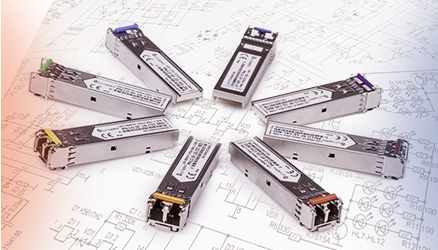








Most local network infrastructures today are based on the Ethernet standard. These networks use twisted copper pair UTP Cat 5e or better as the medium, which under 10/100/1000Base-T enables reliable transmission up to 100 m. But what if you need to extend this distance to 400 m, 800 m, or even several kilometers?
For longer distances you need to use fiber optics – but how do you transition from copper to optical?
The LightOptics LO-MC-1000DMS media converter extends communication distance through a stable connection up to 120 km (according to the transceiver specifications). By converting the network between copper 10/100/1000Base-T and optical 1000Base-FX on the SFP port, this converter supports transmission up to 1 Gbps, providing high flexibility in link design.

EASY INSTALLATION
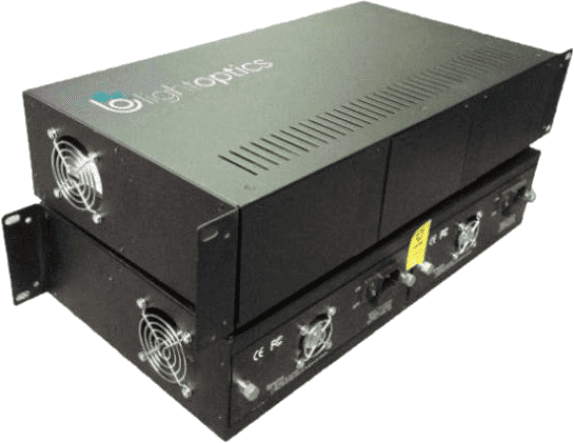
The LO-MC-1000DMS model can be mounted in the dedicated chassis LO-MC-CH14AC for installation in a 19-inch rack. The chassis is equipped with redundant power. The converter can also operate as a standalone device thanks to the included external AC power adapter. In this case the unit only needs access to a 230 VAC outlet.
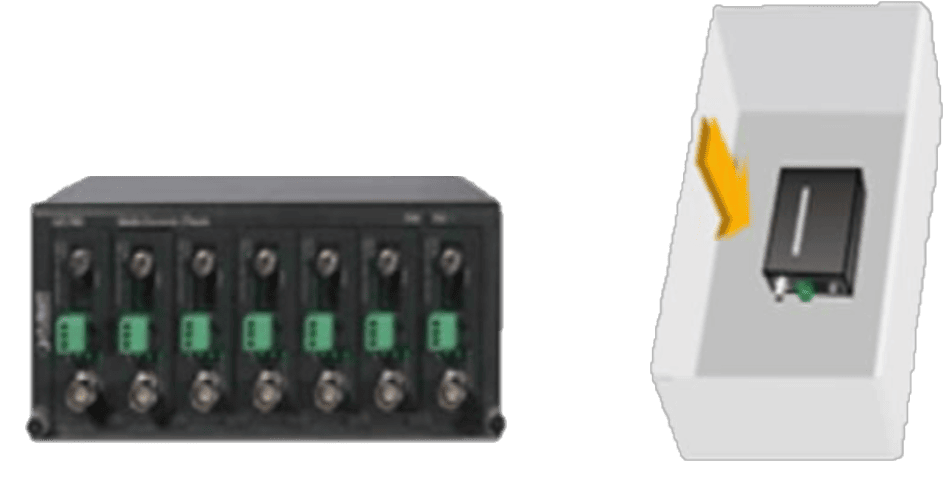
Rackmount chassis or standalone installation
SCALABLE EXPANSION
By using the LO-MC-CH14AC chassis you can run up to 14 media converters without having to install 14 separate power adapters – one per converter – which significantly simplifies deployment. The compact design saves valuable rack space and streamlines cable management.
The chassis allows you to connect two independent power sources (230 V AC and 5 V DC), providing full power redundancy.
Plug & Play
The LO-MC-1000DMS converter is an unmanaged device, so it does not require any initial configuration and can operate right out of the box in a Plug & Play model. At startup the device performs link autonegotiation, i.e. it establishes the highest possible speed on the copper port.
SWITCH CONTROL
Built-in DIP switches allow you to control the basic functions of the device. You can select the Store and Forward or Cut-through operating mode. In addition, you can control Flow Control, LFP, and select the FX optical port speed.
SW1 – Link Fault Pass-through (LFP)
ON – Enable LFP / OFF – Disable LFP
Link Fault Pass-through closes the link on the fiber port when a loss of link is detected on the copper port. As a result, if the media converter unexpectedly loses connectivity to the device on the copper side, the copper port on the media converter at the far end of the line is shut down. The remote device detects link loss and stops transmitting data.
SW2 – Forwarding mode
ON – Cut-through / OFF – Store and Forward
Cut-through mode starts forwarding the frame immediately after the destination address is identified. It allows forwarding of frames larger than the standard 1538 bytes, for example Jumbo frames (9000 bytes). However, it does not verify frame integrity.
Store and Forward mode delays forwarding until the entire frame has been received by the converter. Once the frame is in memory, the switch checks the destination address, source address and CRC. If there are no errors, the frame is forwarded to the appropriate port. This process ensures that the destination network is not affected by corrupted or truncated frames.
SW3 – Flow control
ON – Flow control enable / OFF – Flow control disable
Flow control checks whether the transmitted traffic may exceed the receiving device’s capabilities. When the receive buffers are full, a message is sent to the transmitting device to pause transmission until buffer processing is complete.
SW4 – FX port speed
ON – FX speed 100 Mbps / OFF – FX speed 1000 Mbps
This switch selects the optical transmission speed on the FX port.
Proven RJ45 to SFP media converter
More than 7,500 converters delivered to the Polish market over the last 6 years.
Covered by a 24-month warranty and field-proven in deployments.
Do not miss upcoming articles – sign up for our newsletter or follow us on: