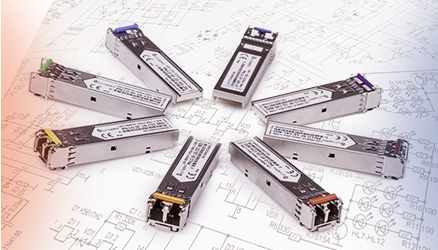








Choose an optical transceiver for the temperature inside its actual installation, not from the word “industrial” alone. A commercial 0–70 °C and an industrial −40–85 °C operating range are common examples, but the binding limits are those in the exact module data sheet and the host device specification.
Operating range is not the same as a DDM reading
A transceiver data sheet states the permitted operating conditions for that product. Digital diagnostics (DDM/DOM), when supported by the module and host, can report the module temperature together with optical Tx/Rx power, supply voltage and laser bias. A DDM value is a diagnostic reading, not an automatic guarantee that the whole link is healthy.
Cisco's Gigabit Ethernet SFP data sheet lists 0–70 °C for commercial versions and −40–85 °C for industrial versions. FiberMarkt also lists the LightOptics LO-SF-1G-3S5-20I industrial BiDi model with a −40 to +85 °C operating range. These are product examples, not a universal rating for every SFP.
How to decide for a cabinet or outdoor site
- Estimate the real temperature at the installed port, including summer heat, winter cold and the host's ventilation conditions.
- Check the operating-temperature range of both the transceiver and the switch, router or media converter; the narrower rating limits the installation.
- Verify the optical standard, wavelengths, fibre, reach and power budget independently. A wider temperature range does not fix an incompatible optical link.
- If DOM is available, compare the live temperature and Tx/Rx readings with the warning and alarm thresholds for that exact module. Investigate persistent alarms rather than assuming a fixed “safe” temperature for all products.
Limits of the recommendation
Do not select an industrial module solely because the enclosure is outdoors: the controlled temperature inside the cabinet may differ from ambient air. Conversely, a commercial module is not safe merely because the weather forecast is mild. Confirm the device rating and the installation conditions before ordering.
Technical sources
Cisco Gigabit Ethernet SFP data sheet, Cisco DOM documentation, and LightOptics BiDi family data sheet, including LO-SF-1G-3S5-20I. Check the current specification of the exact SKU.